FTMON Now Runs on Windows and macOS
FTMON v2.0.0a13 adds native Windows and macOS monitoring, platform-specific profiles, durable event collection, desktop notifications, and real-hardware validation.
FTMON started its second life as a Linux monitor. With v2.0.0a13, it now runs natively on Windows and macOS as well.
That does not mean taking the Linux implementation, adding a handful of platform checks, and declaring victory. Each operating system has different event sources, filesystems, service managers, security models, and definitions of what constitutes a useful operational signal.
The work behind this release was therefore less about making the existing code execute elsewhere and more about making FTMON behave honestly on each platform.
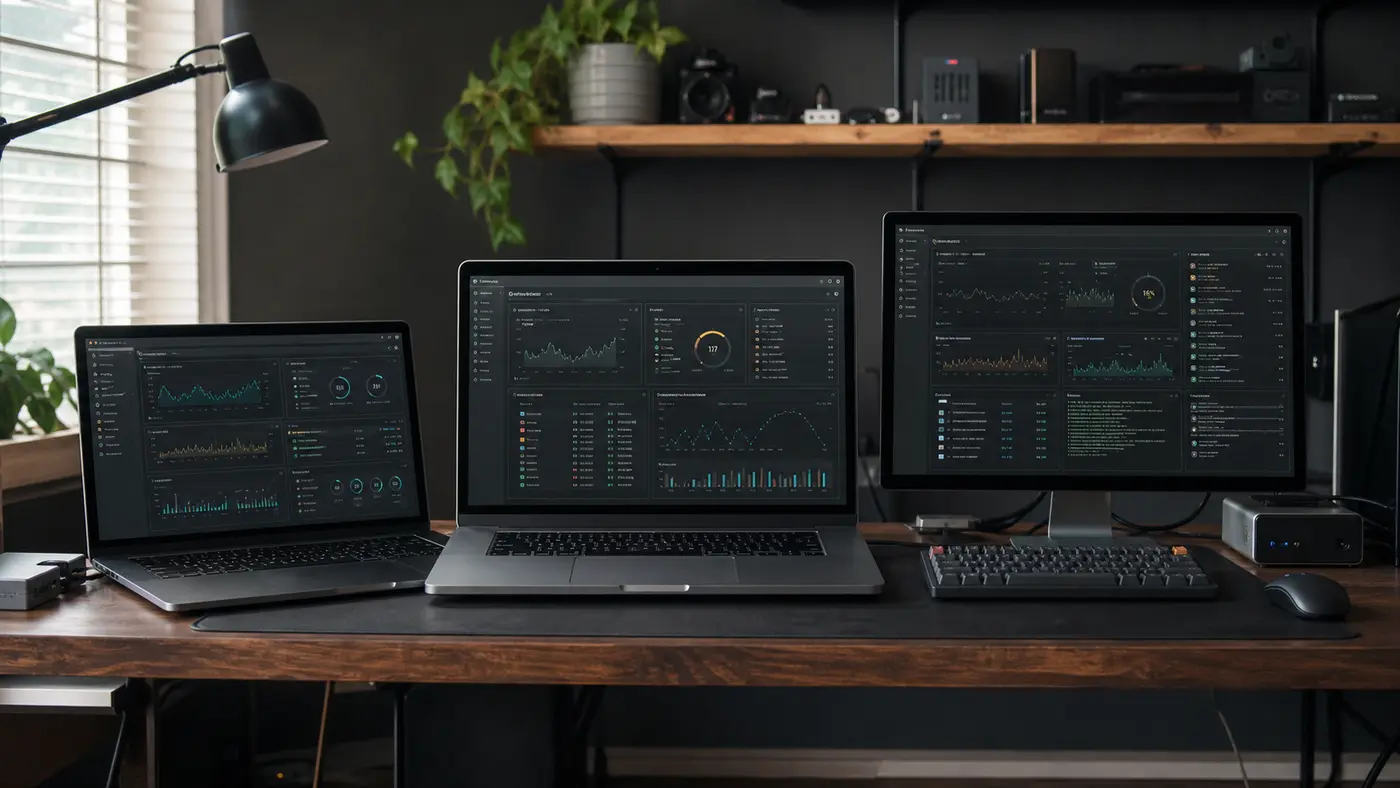
One monitor, three operating systems
FTMON remains a lightweight, local-first monitor for one independently managed machine. The overall model is unchanged:
- a local daemon samples the system and evaluates declarative TOML rules;
- incidents and bounded metric history are stored in SQLite;
- the dashboard listens only on
127.0.0.1; - notifications retry independently through a durable outbox;
- no cloud account or central monitoring server is required.
What changes between platforms is how those capabilities reach the host.
| Capability | Linux | Windows | macOS |
|---|---|---|---|
| System events | journald | Windows Event Log | Apple unified log |
| Desktop alerts | notify-send |
Windows toast | Notification Center via osascript |
| Services | systemd | Windows Service Manager | process watchlists, with launchd supervision for FTMON |
| Configuration and data | XDG paths | AppData | Application Support |
| Persistent user service | systemd user unit | Windows startup/service integration | launchd LaunchAgents |
FTMON keeps these differences behind narrow platform adapters. The incident engine, history, rules, dashboard and notification machinery remain shared.
Windows support built on Windows
Windows support includes native process, disk, network and service monitoring, Windows toast notifications, Windows Event Log subscriptions, protected configuration directories and Windows-aware process control.
New installations receive a Windows-specific monitor tree through either
windesktop or winserver. The ordinary desktop and server profile names
now choose the correct platform automatically.
This matters because Linux rules are not automatically meaningful on Windows.
NTFS does not expose the fixed-inode exhaustion model assumed by common Linux
filesystems. A journald rule looking for a provider called kernel will never
match a Windows Event Log provider. Likewise, psutil reports the Windows “System
Idle Process” in a way that would look like an enormous CPU hog without a
platform-specific exemption.
Those rules were removed or adapted instead of being left silently dead—or worse, producing permanent false alarms.
Windows Event Log collection uses native EvtSubscribe subscriptions and a
durable bookmark for each configured channel. Checkpoints advance only for
drained events accepted by the daemon. Native testing covered crashes before
drain, partial multi-channel drains and restarts, confirming that undrained
events are replayed without replaying events already accepted.
Channels can also be configured with Event Log XPath queries, allowing filtering to happen before a high-volume source reaches FTMON’s queue. A curated Security and PowerShell monitor is included as an unapproved draft: it requires deliberate operator approval and the corresponding Windows audit policy, rather than silently enabling sensitive collection.
The filesystem work was just as important. Windows ACLs are evaluated directly instead of pretending POSIX mode bits mean anything there. Private files fail closed for absent or NULL DACLs, managed paths reject NTFS reparse-point redirection, and timed-out external checks have bounded process-tree termination.
This was validated unelevated on Windows 11. The final native run completed with 810 tests passing, alongside green Linux and Windows CI.
A deliberately quieter macOS profile
macOS has a BSD process layer, but the rest of the operating environment is distinctly Apple: Mach memory management, APFS volume groups, launchd and the unified logging system.
The macOS profile reflects that.
Writable, visible volumes are monitored while sealed system volumes, snapshots and ordinary disk images are excluded. APFS inode alerts are omitted because they would not represent the same actionable exhaustion condition as they do on common Linux filesystems. Network alerts require an explicit listener watchlist, and expected services are monitored as declared processes rather than assuming every launchd job should remain continuously active.
Desktop notifications use Notification Center through /usr/bin/osascript.
Because this is a zero-bundle integration, notifications appear under Script
Editor in macOS settings. FTMON also ships launchd LaunchAgent templates for
running both the daemon and web dashboard as persistent per-user services.
The most instructive part of the macOS work was event monitoring.
An early unrestricted unified-log reader produced an event storm and dropped more than 27,000 records within minutes. Most of that traffic was routine diagnostic output from Apple services—not something an operator should be asked to investigate.
The answer was not a larger queue.
FTMON now applies a fixed operational predicate at the source, before records enter Python. The standard profile admits third-party executable faults and explicit kernel storage or filesystem-integrity messages. Ambient debug logging and blanket “error or higher” collection are intentionally excluded.
The monitor is consequently enabled by default, but much narrower and more useful.
Event storms are now visible without taking over
The macOS incident also exposed a general problem relevant to every event source: a stream of identical records can consume a queue while conveying almost no additional information.
FTMON now coalesces consecutive duplicate events before queue admission. The aggregate retains its occurrence count and first and last timestamps, so an incident can say that an event happened hundreds of times without storing hundreds of identical copies.
Coalescing does not hide the storm. New self-monitoring metrics distinguish:
- raw events received;
- repeated events coalesced;
- current events per minute;
- queue depth and overflow drops.
The dashboard’s Events panel displays the raw ingestion rate, including repeated events. A storm therefore remains obvious even when its storage footprint is compact.
The queue is still bounded. If it overflows, FTMON drops the oldest entries, counts them and raises an observable overflow event instead of allowing memory use to grow without limit.
These protections are shared by the platform event adapters rather than being a macOS-only patch.
Tested as systems, not just modules
The platform work was exercised on real Windows and macOS machines with the daemon and web dashboard running as actual user services.
Windows testing included live Event Log injection, bookmark persistence, crash-and-restart replay, duplicate bursts, toast and service integration, ACL handling, junction rejection, external-check process trees and the complete native test suite.
macOS testing included launchd-managed daemon and web processes, unified-log replay and streaming, duplicate storms, event-rate telemetry, Notification Center delivery and platform-specific monitor behavior.
The merged platform pull request changed 141 files and passed CI on Python 3.11 and 3.13 on Linux and Python 3.12 on Windows. The release was then built and published through the same gated release workflow.
Trying the release
FTMON v2 remains pre-release software. To install the latest alpha:
uv tool install ftmon
ftmon init
ftmon check
ftmon daemon
In another terminal:
ftmon webThen open http://127.0.0.1:8420/.
ftmon init now selects the correct desktop profile for Linux, Windows or
macOS. For a headless machine, use:
ftmon init --profile serverExisting users can upgrade with:
uv tool upgrade ftmon
ftmon --version
Restart persistent daemon and web processes after upgrading so they load the new executable. Existing configuration, monitor definitions and history are preserved.
One packaging caveat remains: Intel macOS 12 may require a native Rust/OpenSSL toolchain because a transitive dependency does not currently provide the required x86_64 wheel. That needs to be resolved before support for that particular combination is advertised without qualification.
FTMON is still one monitor for one host. It simply has a much broader definition of what that host can be.
Try it: Release v2.0.0a13 · Installation guide · macOS monitoring rationale · Live demo · GitHub